
Background Remover
Remove any photo's background with AI, add a new one, then crop and adjust — like a mini editor.
Written by SamundraLast updated
Drag and drop a file here
Supports .jpg, .png, and .webp
Your photo is never uploaded anywhere — everything, including background removal, runs on your device.
Related tools

Introduction
Background Remover is a free AI-powered tool that lets you remove backgrounds from images directly on your device. Useful Tooler's Background Remover processes your images on your device without uploading them to a server. The tool never stores your photos, keeping your images private. You can remove backgrounds using AI for instant results or use manual editing when you need more precise control.

Why Use AI Background Remover ?
Manually removing background from images can slow your workflow and take a lot of time. AI background remover can automate the process, helping you edit multiple images more efficiently.You can use it to customize images and create clean photos. You can also isolate subjects in the image and make attractive banners and social media posts. You do not need to remove every part of the background by hand.
Key Features
- Quickly removes background from the uploaded image in one click.
- Use manual background removal when you need more precise control.
- Preserve the quality of your images during editing.
- Process images directly on your device without uploading them.
- No sign-in or registration required.
- Works on every kind of desktops, laptops, tablets, smartphones and other digital devices .
- Edit your image after removing the background.
- Choose from supported output formats when downloading your image.
When Should You Use Background Remover
- Remove backgrounds from product photos for online stores and product listings.
- Create clean profile pictures for personal use.
- Create transparent images for websites, logos, and graphic designs.
- Isolate people or objects for posters, ads, banners, and presentations .
- Create clean images for social media posts, thumbnails, and marketing content.
- Replace any backgrounds from the image with a transparent, white, or custom background.
- Quickly extract subjects without manually editing the image.
Privacy and File Security
The background remover tool allow users to process image smoothly and do not stores image anywhere. This tool is highly reliable and provides strong privacy to the user data. You can upload your files with confidence. It follows several security policies which is the reason it best tool in the town.Background Remover do not store image in any remote server. One should avoid uploading image to system that stores images or data into the remote server.
Supported Files, Limits & Output
Supported Input Formats
- JPG (.jpg)
- JPEG (.jpeg)
- WEBP (.webp)
- PNG (.png)
Output Format
- PNG (.png)
- JPEG (.jpeg)
- WEBP (.webp)
Supported Devices
- Windows
- macOS
- Linux
- Android
- iOS
Not what you looking for ? Try EXIF Metadata Remover Here
How to use
Upload Your Image
Open the Background Remover tool and select the image you want to edit. Make sure your file uses one of the supported input formats.

Choose a Removal Method
After uploading your image, choose between AI Background Removal and Manual Removal. Use AI removal for a quick automatic result. If you need more precise control, choose the manual removal option.
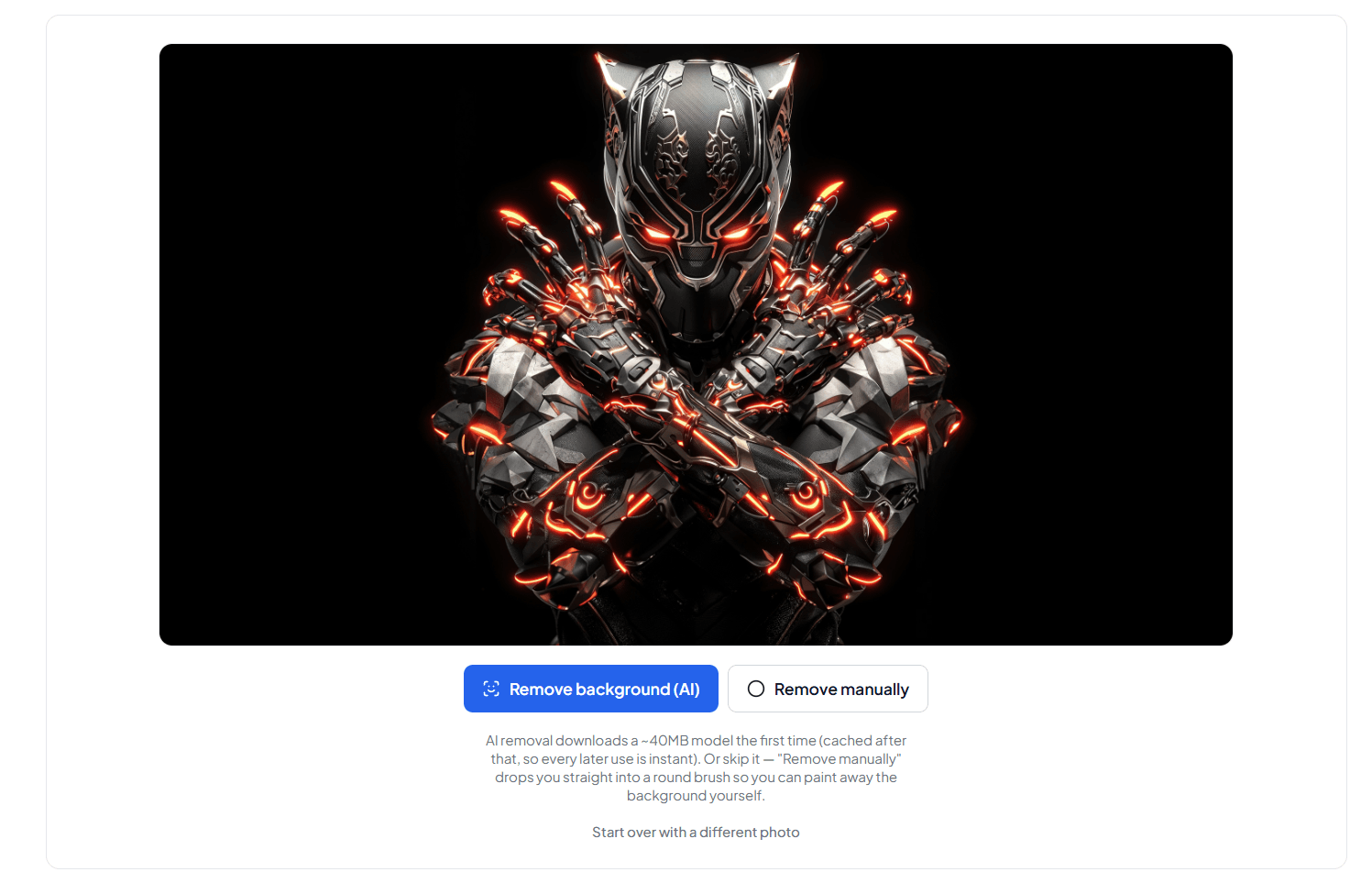
Edit Your Image
Preview the processed image and make additional changes using the available editing tools. With manual removal, you can refine the result and adjust the image according to your needs.
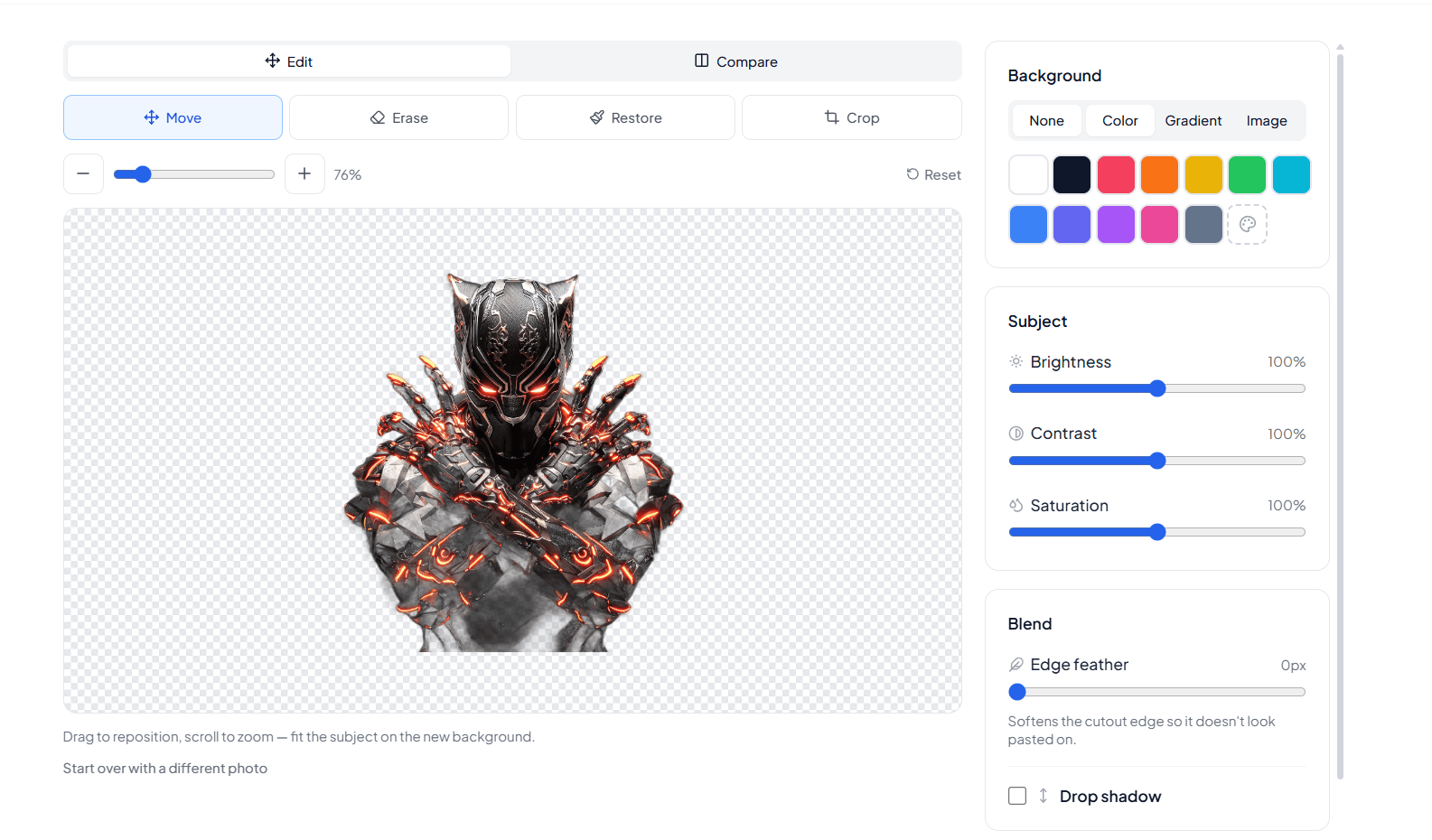
Choose an Output Format
Once you are satisfied with the result, choose your preferred output format such as PNG, JPEG, or WEBP.
Download the JPG File
Click the Download button to save the finished image to your device.
Frequently asked questions
What is a background remover?
A background remover is a tool that separates the main subject of an image from its background. It can automatically remove the background using AI or allow you to remove it manually for more control.
Is the Background Remover free?
Yes. Useful Tooler's Background Remover is available as a free tool and does not require an account or registration.
Does the Background Remover upload my image?
No. The tool processes your image directly on your device. We process your image directly on your device without uploading it to any remote server.
Can I remove a background without AI?
Yes. You can use the manual removal option when you want more precise control over which parts of an image you remove.
Which are the supported image format?
The tool supports common image formats including JPG, JPEG, PNG, and WEBP.
Can I download the image after removing the background?
Yes. After editing your image, you can download the finished result in one of the available output formats.
Can I edit the image after removing the background?
Yes. The tool provides additional editing options after background removal, allowing you to make changes before downloading the final image.
Can I create a transparent background?
Yes. You can remove the original background. You can also create an image with a transparent background by exporting final image in transparent PNG format. However this depends on the output format you select.
Who can use a background remover?
Anyone who needs to remove or replace an image background can use it. It helps online sellers, designers, marketers, students, photographers, content creators, and social media users simplify their work.
Does removing the background also remove metadata?
No. Removing background doesn't remove image's metadata but you can remove meta data from here
Last updated:
Share this tool
Know someone who'd find it useful? Send it their way.